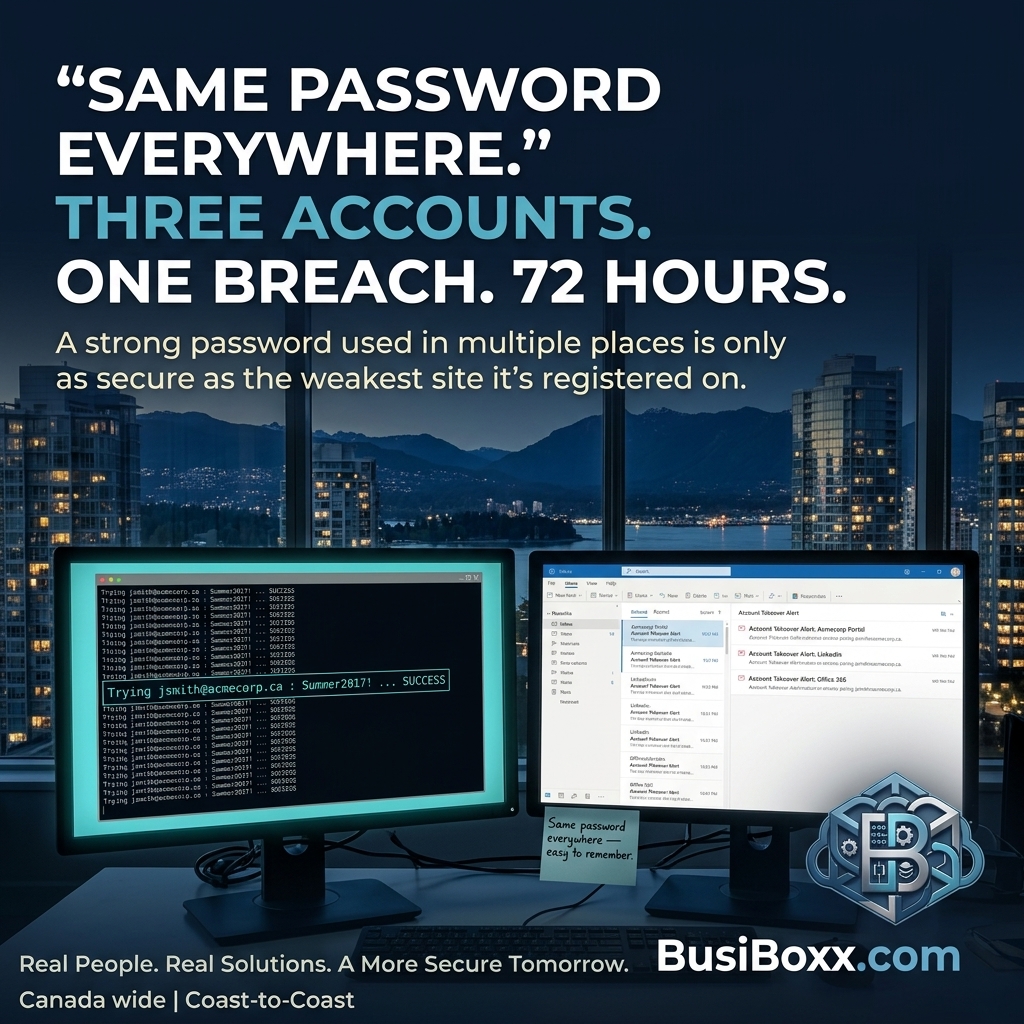
His email, his banking portal, his vendor platform, and his old CRM all used the same password.
He'd been using it since 2017. It was a good password — a phrase, not a dictionary word, with numbers substituted for letters. He felt confident about it.
A data breach at one of his suppliers in 2023 exposed a database of usernames and password hashes. By the time the breach was announced, the hashes had been cracked and the credentials were circulating in forums. His email-password pair was in the dump.
Within 72 hours of the breach going public, three of his accounts had been accessed using that credential pair. The attacker changed the recovery email on one of them before he noticed. Getting it back took nine days and a call to the vendor's fraud department.
He'd had a good password. He just had one.
Why password uniqueness matters more than password strength
A strong password that's used in multiple places is only as secure as the weakest platform it's registered on. Every service you sign up for is another potential breach. When any one of them is compromised, every account sharing that password is exposed.
The attack is automated. Credential stuffing tools pull username-password pairs from breach databases and try them against hundreds of services simultaneously — Microsoft, Google, QuickBooks, banking, vendor portals. The process is fast, cheap, and requires no skill on the attacker's part.
Unique passwords per service prevent cascading breach. If Platform A is compromised, the credentials don't work on Platform B, C, or D.
What a business password policy includes
A functional password policy for a small business covers four things:
1. Minimum complexity
Passwords should be a minimum of 12 characters. The newer guidance from NIST (which Microsoft and most enterprise systems now follow) prioritizes length over complexity. A long passphrase ("PurpleBeach!Monday44") is more secure than a short character-soup password ("P@s5w0rd"). Complexity requirements that force short passwords with symbols often result in predictable patterns ("Welcome1!") that are easier to crack than a long phrase.
2. No reuse
Passwords should not be reused across services. This is unenforceable as a policy unless you enforce it technically — which a password manager does.
3. A password manager
This is the implementation layer that makes the policy workable. A password manager (Bitwarden, 1Password, or Microsoft Autofill in a managed Microsoft 365 environment) stores and auto-fills unique passwords per site. Users don't have to remember 40 passwords — they remember one strong master password. The manager handles the rest.
For a team, a business password manager adds shared vaults — shared credentials (social media, vendor portals, shared services) live in the team vault with access controlled by role. When someone leaves, you remove their access to the vault rather than changing 12 passwords individually.
4. Incident response for compromised credentials
When a breach occurs — whether at a vendor you use or directly in your environment — you need to know which of your accounts used that credential pair, and be able to change them immediately. A password manager makes this fast. Without one, it's a manual exercise that takes days.
Rolling this out to a team
The barrier is usually adoption, not the technology. People resist password managers because they don't trust them. The framing that works:
"The password manager holds one well-secured vault. Right now, your passwords are scattered across your memory, a sticky note, and a Google sheet. One is more secure."
Give people a week with a free trial. Start with personal accounts. The business accounts come naturally once they've experienced the convenience.