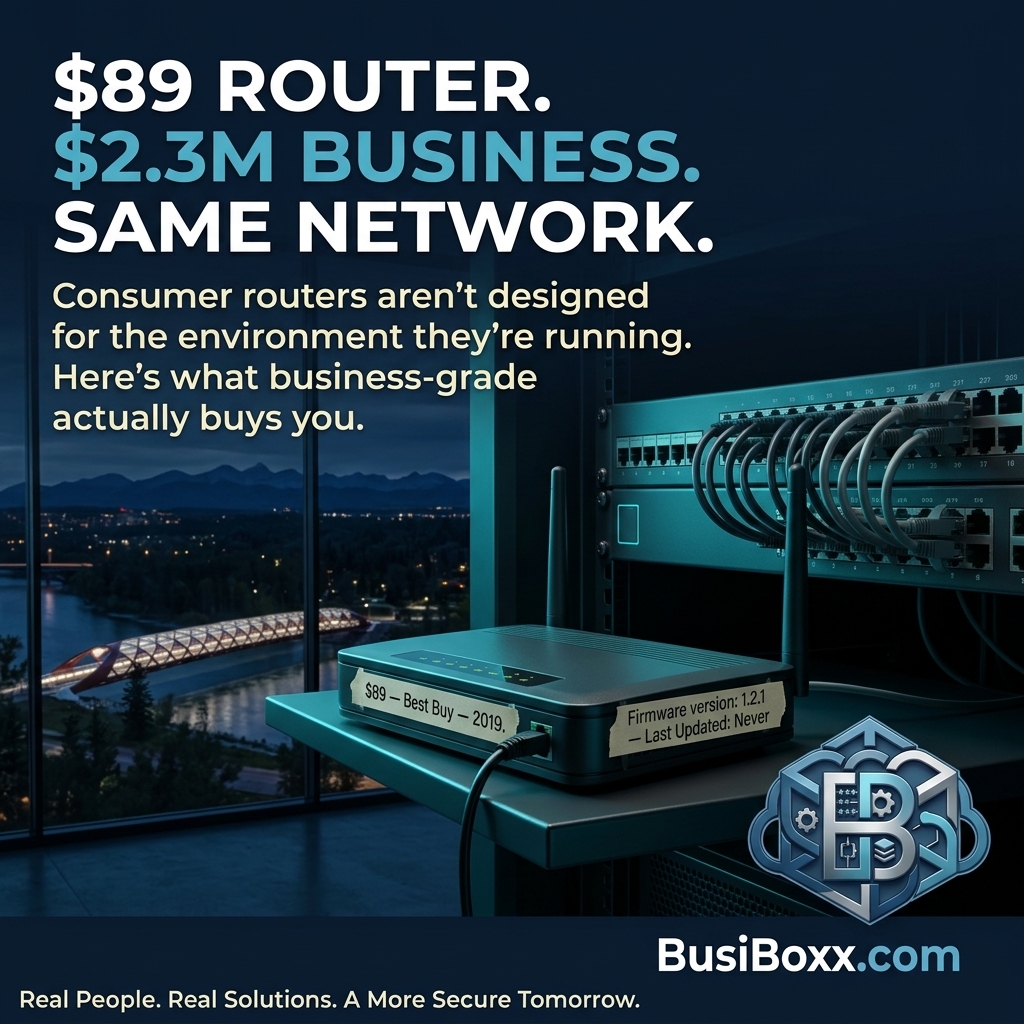
Twelve employees. $2.3 million in annual revenue. Their entire network ran through a router purchased at a big-box store during a lunch break in 2019 for $89.
No separate guest Wi-Fi — clients and contractors were getting on the same network as the point-of-sale system and the server. No traffic monitoring. No firewall rules beyond the default "block inbound, allow outbound." No logging. No way to know what was happening on the network at any given moment.
The router itself had a known vulnerability that the manufacturer patched in firmware version 1.4.3. It was running 1.2.1. The firmware update required a manual download, a manual install, and a manual reboot. Nobody had done it.
This is not an unusual situation. It is, in fact, extremely common.
What a consumer router does
A consumer router like the ones sold at Best Buy or Walmart does one job reasonably well: it gets traffic from your ISP to your devices. It has basic NAT (network address translation) and a rudimentary firewall that blocks unsolicited inbound connections.
What it doesn't do:
- Deep packet inspection (looking at what's inside the traffic, not just where it's going)
- Application-layer filtering (blocking specific apps or categories of sites)
- VPN termination (letting remote workers connect securely to the office network)
- Guest network VLAN isolation (keeping client devices separate from company devices)
- Intrusion detection or prevention
- Logging that you can review or that alerts you to something unusual
- Centralized management or remote monitoring
Consumer routers are designed for households where the stakes are Netflix and smart speakers. They are not designed for an environment where the same network touches financial records, client data, and a payment system.
What a business-grade firewall does differently
A business-grade firewall (SonicWall, Fortinet, Meraki, Ubiquiti, depending on scale) sits at the edge of your network and inspects traffic in both directions.
Content filtering: You can block categories of sites (gambling, malware distribution, known phishing domains) for all devices on the network. You can create rules for different user groups — staff get different access than contractors.
VPN: Remote employees connect to the office over an encrypted tunnel, not a direct internet connection. Your IT provider can manage and monitor this centrally.
Network segmentation: Your point-of-sale system is on one VLAN. Staff workstations are on another. Guest Wi-Fi is isolated from both. If ransomware hits one segment, it can't automatically propagate across the others.
Logging and alerting: Every connection attempt is logged. You can see who was on what at what time. If something unusual happens — a device making 400 outbound connections to an unknown IP at 3am — you get an alert.
Centralized management: Your IT provider can push configuration changes, review logs, and identify anomalies without being on-site.
What it costs
A business-grade firewall for an office of 10–25 people runs $400–$1,200 for the hardware, plus annual subscription for threat intelligence and content filtering (typically $200–$500/year).
Over five years, that's roughly $600–$3,700 total — depending on brand, size, and whether you include the subscription.
Compare that to the cost of a single ransomware incident (average SMB recovery cost in Canada: $170,000, according to a 2024 industry report) and the math is straightforward.
The question to ask
What router is sitting at the edge of your network right now?
What firmware version is it running?
When was it last updated?
If you can't answer those questions, you probably need to look.