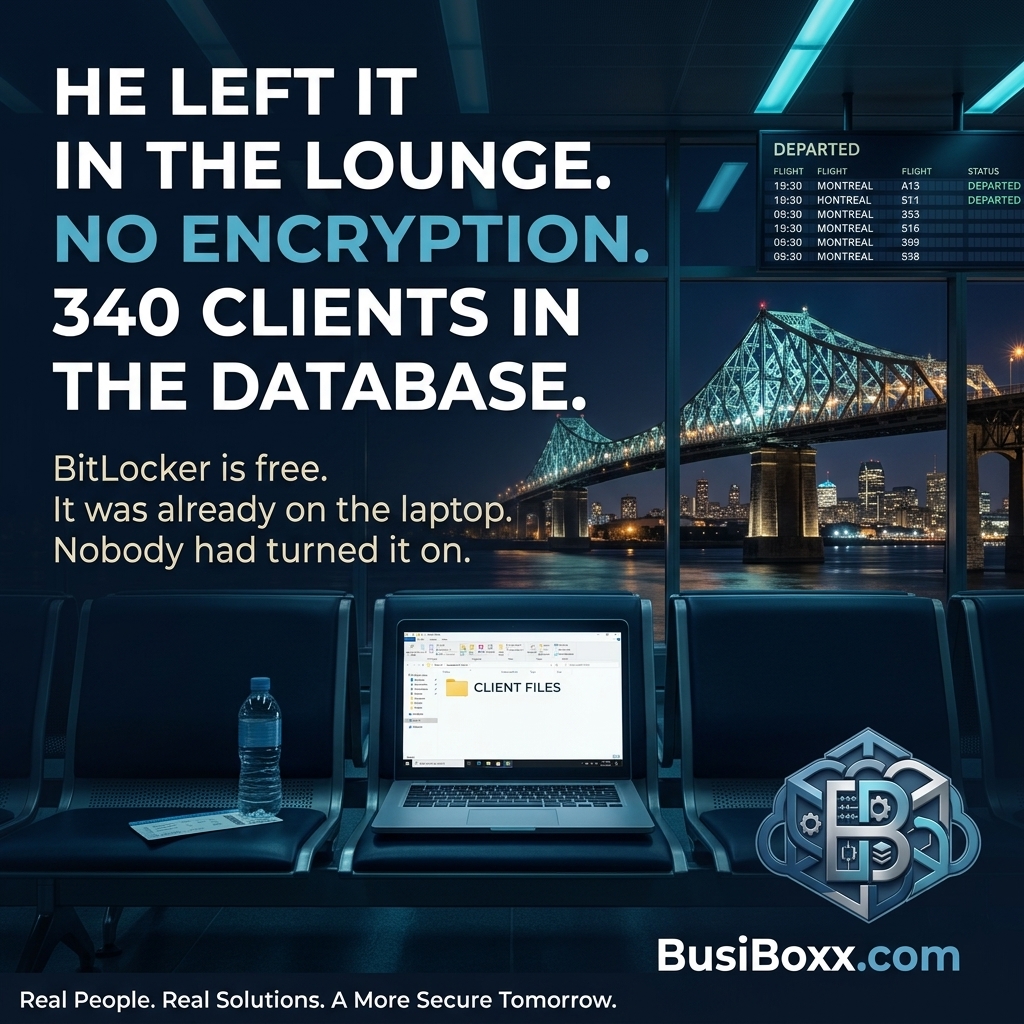
He'd had a long week. Conference in Calgary, client meeting in Vancouver, red-eye to Edmonton. He sat in the departure lounge at YEG, put his laptop down beside him, and walked to the counter when his name was called.
He was 20 minutes into the flight when he realized the bag felt lighter than it should.
Inside the laptop: six years of client files, accounting exports in unprotected spreadsheets, a folder of scanned contracts, and about 200 emails he'd saved locally because the client mail server "wasn't reliable." No disk encryption. No remote wipe capability. No login timeout — he'd disabled it because he found it inconvenient.
He filed a police report, called his lawyer, and spent the next three weeks managing breach notification under PIPEDA. He had 340 clients in his system.
The laptop itself was worth $1,400. The breach cost him substantially more than that.
The two controls that change a lost device from a breach into a bad day
Disk encryption
BitLocker is included in Windows 11 Pro at no additional cost. When enabled, the contents of the drive are unreadable to anyone who doesn't have the login credentials. Someone who picks up that laptop gets a device that asks for a password before it will boot — and if they remove the drive and plug it into another computer, all they see is encrypted data.
Without encryption, removing the drive and reading it requires no special tools. The files are just... there.
Enabling BitLocker takes about 15 minutes per device. The recovery key should be stored in Azure AD (now Microsoft Entra ID) or a password manager, not on a sticky note inside the laptop bag.
Remote wipe
Microsoft Intune (included in Microsoft 365 Business Premium) lets you remotely wipe a device from the admin centre. Within minutes of realizing the laptop is gone, you can trigger a full wipe that removes all corporate data.
This doesn't recover the laptop. It means the person who finds it doesn't get to read the six years of client files.
Remote wipe works as long as the device connects to the internet. For a stolen device that's immediately powered off and kept offline, it won't trigger. That's why encryption matters independently of wipe capability — encryption is always-on protection; remote wipe is reactive.
A lost device protocol
Your organization should have a written answer to: what do we do when a device is lost or stolen?
The steps should be:
- Report it within an hour of discovery
- IT initiates remote wipe from the management console
- Change the user's Microsoft 365 password and revoke active sessions
- Document what data was on the device and assess breach notification obligation under PIPEDA
- File a police report (required for insurance claims)
If the answer to "what do we do" is "we panic and call somebody" — that's a protocol gap worth closing before you need it.
The cost of not doing this
BitLocker: free (Windows 11 Pro).
Intune: included in Microsoft 365 Business Premium ($26/user/month, often already purchased).
Configuring both on a device: 30–45 minutes.
Not configuring them: potentially a regulatory breach notification, client notification, legal review, and reputation damage — all because someone left a laptop in an airport.