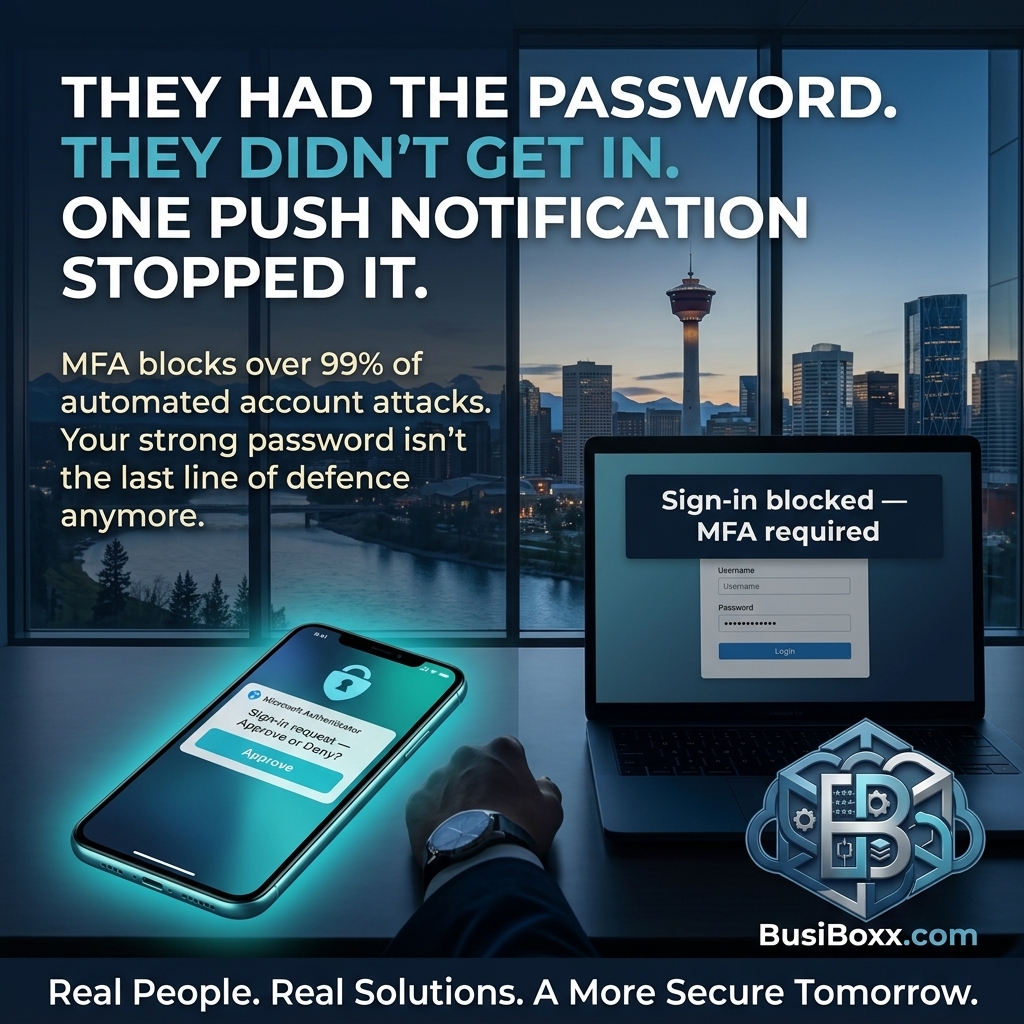
His password was 14 characters.
Mixed case. Numbers. Symbols. No dictionary words. He was proud of it. He'd read the articles. He'd done the right things.
His Microsoft account was compromised on a Thursday.
It wasn't the password.
In 2019, a company he'd signed up for a newsletter with suffered a data breach. His email address and an old password from that account were exposed in the leaked database. He'd long since forgotten the account existed.
Attackers ran a credential stuffing attack — automated tools that take known email and password combinations from old breaches and try them against hundreds of services simultaneously.
His Microsoft account used a different password. But his email address was the same as the old account, and one of his other accounts used the same password as the 2019 one. That account got in. And from there, a password reset email reached his Microsoft inbox.
Multi-factor authentication would have stopped it at the login screen.
Every single time.
Why passwords alone aren't the answer
The problem with passwords as a security layer isn't password strength. It's the assumption that a password is something only you know.
Data breaches happen at every scale — individual apps, major platforms, industry vendors. The Have I Been Pwned database currently contains over 12 billion compromised credentials. If you've used the internet for more than five years, there's a meaningful probability your email address is in at least one of those breaches.
Credential stuffing works because people reuse passwords — or use variations of old ones. It doesn't require a sophisticated attack. It requires a script and a list.
Multi-factor authentication breaks this attack model entirely. Even if an attacker has the correct password, they can't log in without the second factor — which they don't have.
What MFA is, in plain English
Multi-factor authentication (MFA) means logging in requires two things:
- Something you know (your password)
- Something you have (your phone, or a hardware token)
When you log in, after entering the correct password, you're asked for a code. That code is generated on your phone, in real time, and expires in 30 seconds.
An attacker sitting in another country with your correct password can't complete the login without that code. Which is on your phone. Which isn't in the breach database.
SMS codes vs. authenticator apps
SMS codes (text messages): A code is sent to your phone number when you log in. This is better than nothing — significantly better. The vulnerability is SIM swapping: an attacker convinces your carrier that they are you and ports your number to a new SIM, intercepting the codes. This is rare for most small businesses, but it's a real attack vector.
Authenticator apps (Microsoft Authenticator, Google Authenticator): A time-based code is generated directly on your device, with no carrier involvement. The code is never transmitted — it's generated locally using a shared secret established at setup. Harder to intercept, no carrier dependency. This is the right choice for anything sensitive.
For most small businesses, an authenticator app on every user's phone provides strong, practical MFA at no additional cost.
How to roll out MFA to a team of 15 without 40 support calls
Poorly managed MFA rollouts create support chaos on day one. Here's a sequenced approach that avoids most of it:
Two weeks before: Set a deployment date. Enable MFA in Microsoft 365 (via Conditional Access or Security Defaults). Configure a 14-day grace period for enrolment.
One week before: Send a plain-English email to all staff: "In one week, you'll need a new step to log in to your Microsoft account. It takes about five minutes to set up. Here's exactly what to do." Include a one-page PDF with screenshots of the Microsoft Authenticator setup.
Three days before: Send a reminder. Follow up with anyone who hasn't enrolled yet.
Day of: Have one person available for the morning — you'll get three or four questions. Almost all of them will be resolved in under ten minutes.
After deployment: Enforce it. Don't extend the grace period. Users who hit the MFA prompt and can't get in will call and get set up in minutes. Users who are given another two weeks will wait until the last day.
A note on "MFA fatigue" attacks
Some attackers, knowing MFA is in place, use a different approach: they try to log in repeatedly, triggering MFA push notifications to the user's phone. Eventually, hoping the user will approve the notification just to make it stop.
The defence is simple: set your MFA to use a number matching prompt (the user has to type the number they see on the login screen into the authenticator app) rather than a simple approve/deny push. Microsoft Authenticator supports this and it's the recommended configuration.
The bottom line
One additional step at login. Stop virtually every credential stuffing attack. Stop most phishing-based account takeovers. Stop the attack that compromised his Microsoft account on a Thursday — regardless of how strong his password was.