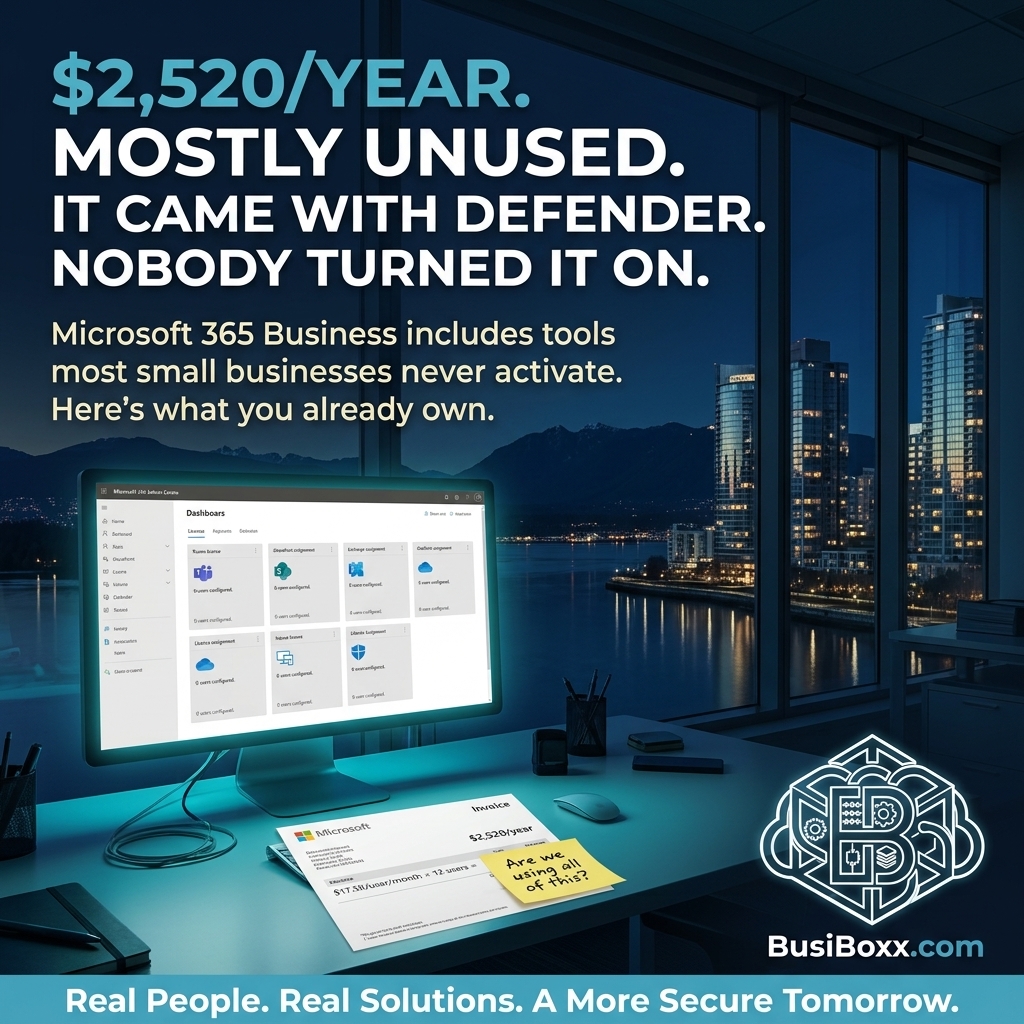
A 15-person accounting firm was paying $17.50 per user per month for Microsoft 365 Business Standard.
$3,150 per year.
When we asked what they were using, the answer was: Outlook and Word.
Available in their subscription — completely untouched — were Teams, SharePoint with version history, OneDrive with 1TB per user, Defender for Business (enterprise-grade endpoint security), and Intune for device management.
They were paying for enterprise tooling and getting email and a word processor.
What's actually in Microsoft 365 Business
There are three main tiers: Business Basic, Business Standard, and Business Premium. Here's what matters at each level:
Microsoft 365 Business Basic ($6/user/month)
- Exchange email (Outlook)
- Microsoft Teams
- SharePoint and OneDrive (1TB per user)
- Web versions of Office apps
- Microsoft 365 Defender (basic)
Microsoft 365 Business Standard ($17.50/user/month)
- Everything in Basic
- Desktop versions of all Office apps (Word, Excel, PowerPoint, Outlook, Access, Publisher)
- Bookings (scheduling tool)
- Webinar hosting in Teams
Microsoft 365 Business Premium ($26/user/month)
- Everything in Standard
- Microsoft Defender for Business — full endpoint detection and response
- Intune — mobile device management
- Azure AD Premium P1 — conditional access, advanced MFA policies
- Azure Information Protection — data classification and sensitivity labels
- Microsoft Purview — compliance, data governance
For most small businesses, the jump from Standard to Premium is the one that significantly changes your security posture.
The features most businesses don't know they have
Microsoft Defender for Business (Premium)
This is enterprise-grade endpoint detection and response (EDR). It monitors device behaviour in real time — not just scanning files for known malware, but watching for suspicious activity patterns. If a process starts behaving like a keylogger or begins exfiltrating data, Defender for Business flags it, isolates the device, and alerts.
This is different from Windows Defender Antivirus (which is included at every tier). Antivirus scans files. Defender for Business watches behaviour.
For a 15-person firm that doesn't want to invest in separate endpoint security, Business Premium is often the most cost-effective path to real endpoint protection.
Intune (Premium)
Intune lets you manage every device that accesses your Microsoft 365 environment — company-owned laptops, personal phones that access email, tablets. You can:
- Enforce disk encryption on company devices
- Set minimum PIN requirements for phones that access email
- Remotely wipe a lost or stolen device
- Prevent company data from being copied to personal apps on a personal phone
- Push software and policies without touching the device
SharePoint Version History
Every file stored in SharePoint has version history enabled by default. If a file is accidentally deleted, corrupted, or — importantly — encrypted by ransomware, you can restore a previous version.
This is not a backup. It has retention limits, and ransomware that propagates through a synced SharePoint library can affect versions too. But it's a meaningful first layer that most businesses never use because they don't know it's there.
Microsoft Bookings
A scheduling tool that integrates with your calendar. Clients or prospects book available slots without back-and-forth email. For service businesses — IT, accounting, legal, property management — this can meaningfully reduce friction in the sales and onboarding process.
What configuration actually does
Having the licence is not the same as using the features.
Defender for Business requires onboarding. Intune requires policies to be created and deployed. SharePoint requires a folder structure that people actually use. MFA requires Conditional Access to be configured and enforced — it doesn't turn on automatically.
Most Microsoft 365 Business Premium tenants are running in default configuration, which means several of the security features they're paying for are partially or fully inactive.
A one-time configuration review — typically two to four hours of work — can activate and properly configure the features you're already paying for.
The question to ask
Pull up your Microsoft 365 admin centre. Under Billing → Your Products, find your licence tier.
Then ask your IT provider: Which of these features are we actively using, and which are configured and enforced?
If the answer is "Outlook and Word," you're not getting what you're paying for.