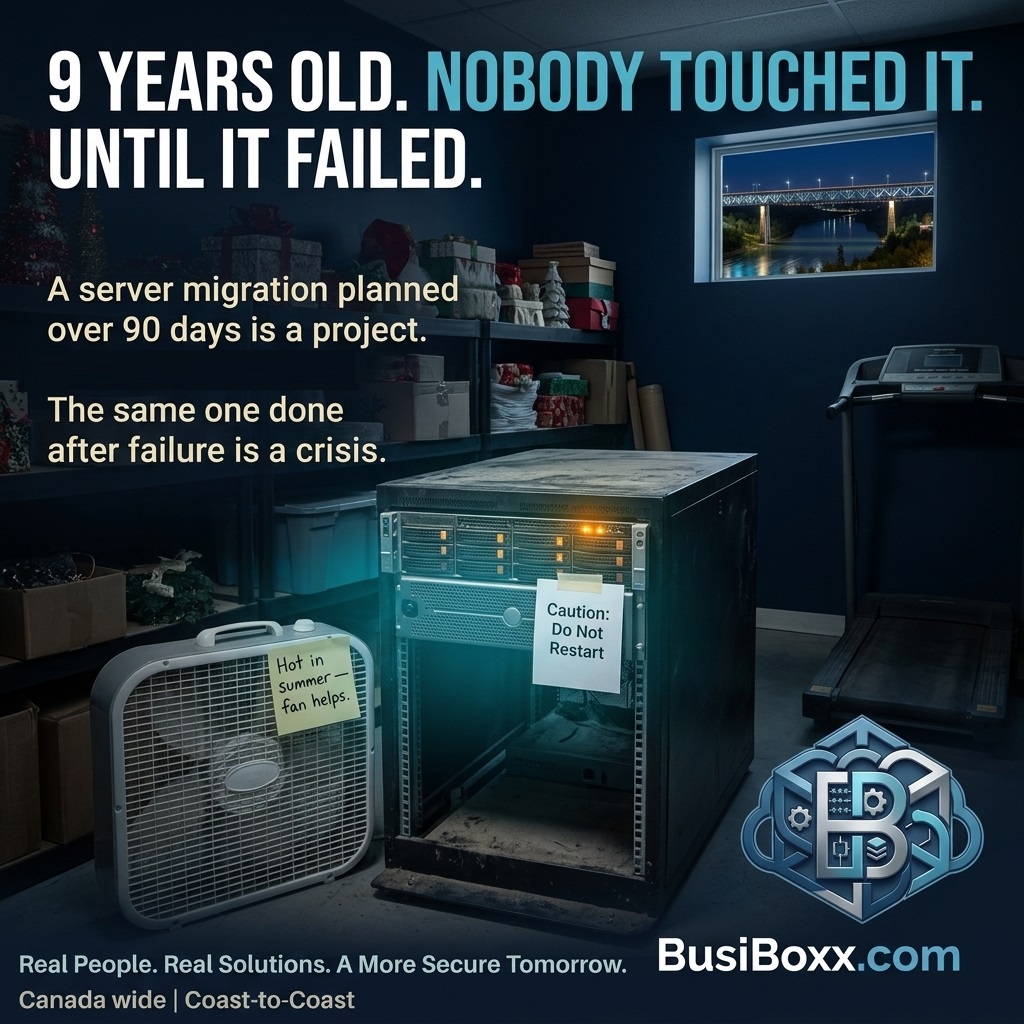
It sat in a closet near the back of the office. Warm, humming quietly, completely unremarked upon. Nobody touched it. It had been working for nine years without incident, and that nine-year track record had made it invisible.
The RAID controller failed on a Tuesday morning. The server wouldn't boot. The hard drives were intact, but without a working RAID controller, the data was inaccessible to anything they owned.
Data recovery: $5,200 and four days of downtime. The replacement server: $4,800. The combined disruption to the business: more than either number suggests.
The failure was not unpredictable. The server was three years past the vendor's recommended maximum lifespan for production workloads. The warning signs — increased event log errors, a hard drive that had been replaced the previous year, a cooling fan running hotter than rated — had been visible in the management console for anyone monitoring it.
Nobody was monitoring it.
Why hardware fails when it does
Server hardware doesn't fail randomly. Failure rates follow a bathtub curve: higher in the first few months (infant mortality failures from manufacturing defects), then very low in the middle years, then rising again as components age past their designed operating life.
Hard drives have a mean time between failure (MTBF) measured in hours — typically 500,000 to 2 million hours, depending on drive class. At nine years of continuous operation (roughly 78,840 hours), most drives are well inside that range — but they're also experiencing increasing mechanical wear that progressively raises failure probability.
RAID controllers, power supplies, and cooling fans have finite lifespans as capacitors and bearings degrade. A failing capacitor on a RAID controller can corrupt the controller without warning. Degraded cooling leads to thermal damage that compounds over time.
The five-year rule
Most IT shops use a five-year maximum lifecycle for production server hardware. This isn't arbitrary — it corresponds roughly to the period when the hardware shifts from "low and stable failure probability" to "rising failure probability with increasing component age," and also to the point where vendor hardware support typically ends.
After five years:
- Replacement parts become harder to source quickly
- The hardware is no longer eligible for vendor support contracts
- Performance increasingly lags modern workloads
- Firmware and driver updates become infrequent or stop
Running hardware past five years isn't automatically wrong — some workloads and budgets make it a deliberate choice. What's wrong is running it past five years without a plan: without monitoring, without a clear upgrade timeline, and without a tested backup that would let you recover if it failed today.
What hardware lifecycle management looks like
Inventory with purchase dates. Every piece of server hardware should be tracked: what it is, when it was purchased, what it runs, when vendor support ends. This isn't a spreadsheet you make once — it needs to be maintained.
Health monitoring. Server management tools (iDRAC on Dell, iLO on HP, built into most business server lines) expose health telemetry: drive health, controller status, power supply status, temperatures, and event logs. This should be monitored and alerting to your IT provider when thresholds are exceeded.
Proactive replacement planning. Hardware approaching the end of its lifecycle should be on a replacement plan — not waiting for failure. A planned migration takes days; an emergency replacement after failure, with data recovery, takes weeks and costs multiples more.
Tested backups before lifecycle extension. If budget constraints require running hardware past the recommended lifecycle, the minimum requirement is a tested, current, offline backup. If the server fails today, you need to know you can recover from it.
The cloud consideration
For many small businesses, the right answer is no longer a server in the closet. Workloads that would have required on-premises servers — file shares, email, line-of-business applications — now run in the cloud with better reliability than most SMB server rooms can achieve, and at a cost that compares favourably once you factor in hardware lifecycle, power, and the cost of managing aging infrastructure.
The right path depends on your specific workloads and compliance requirements. What's not the right path is a nine-year-old server with no monitoring and no replacement plan.